
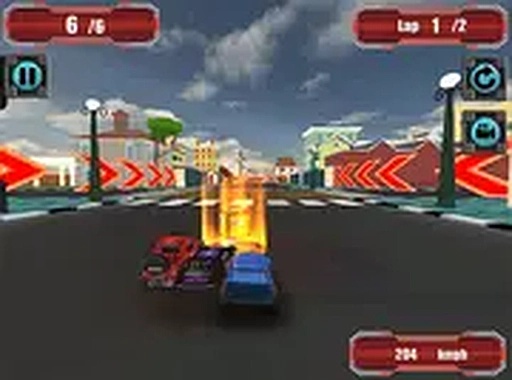
Vehicle Selection & Track Variety
Before each race, players can browse a lineup of cars and select the one that suits their style. The game offers multiple circuits, each with its own layout and visual theme. This variety ensures that no two races feel exactly the same, encouraging players to experiment with different combinations of vehicle and track.
Race Length Customization
One of the standout features is the ability to decide how many laps a race will have. Whether you prefer a quick sprint or a longer endurance challenge, the lap count can be adjusted before the start. This flexibility makes the game suitable for short gaming sessions or more extended play.
Boost Items & Strategic Use
During a race, special boxes appear on the track. Driving over them grants temporary advantages such as increased speed or better cornering. Knowing when to activate these boosts can make the difference between winning and losing. Using them on straight stretches maximizes speed, while saving them for tricky turns can improve overall lap times.
Controls & Display Options
The game is designed for desktop browsers and responds to keyboard arrows or mouse input. A full-screen mode is available for a more immersive view. Controls are straightforward, allowing new players to start racing immediately while offering enough precision for those who want to refine their technique.
Family-Friendly Competition
Turbo Track Champion is built for players of all ages. The racing action is competitive but never graphic, making it a safe choice for family gaming. With no downloads or installations required, it runs directly in the browser, providing quick access to fast-paced racing entertainment.






Comments
0 comments